How to make a Dame Hombro AI video
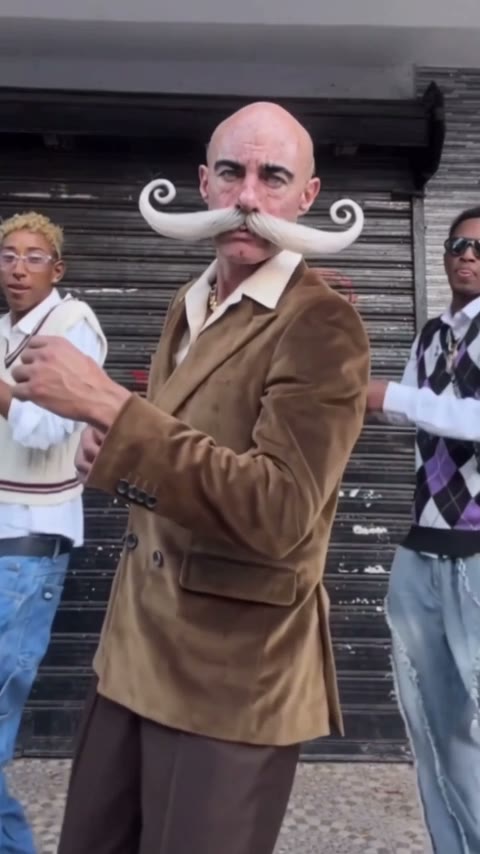
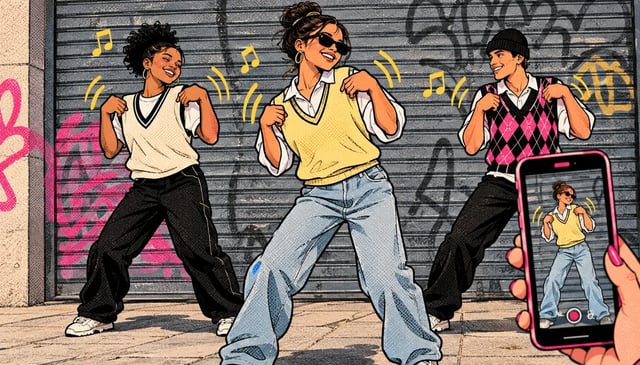
Make mine with one photoThe quickest way to make a Dame Hombro AI video: add one front-facing photo, and you dance in the middle of the three-dancer street clip while the two dancers beside you keep going. Below are the steps, the other ways people make it, and how to get a clean result.
- One photo, no prompt
- Works in your browser, no app
- No subscription, pay once
How to make a Dame Hombro AI video in 3 steps
- 1
Pick one clear photo
One person (or your dog), face turned to the camera, in even light and without sunglasses. A head-and-shoulders photo is enough.
- 2
Add it and press Generate
Drop the photo into the generator below. You can leave the page while it renders; the video waits in My videos.
- 3
Save it and post it
Download the 10-second vertical MP4 to your phone and post it to TikTok, Reels or Shorts. Videos stay in My videos for 30 days.
Make your Dame Hombro AI video
Add one front-facing photo of whoever dances in the middle. The two dancers beside them stay as in the clip.
One person per photo, face clearly visible. JPG, PNG or WebP up to 10 MB.
- No app
- No watermark
- Credits back if a video fails
4 ways to make a Dame Hombro AI video
Each way works differently, so the result does too. The apps below are examples, as of October 2026.
| Photo and a prompte.g. Dreamina | Video-to-video appe.g. Higgsfield Genjutsu | Film it yourselfWith two friends and a phone | One photo (this site)You in the three-dancer clipUse one photo | |
|---|---|---|---|---|
| You start from | A portrait and a text prompt | A copy of a clip you find yourself, plus photos | Two friends and a phone | The three-dancer clip, ready to go |
| What you do | Write or paste a prompt, generate, try again until you like it | Upload the clip and your photos, then set up the edit | Learn the shoulder pops, rehearse, film, edit | Add one photo |
| The dance | A new routine in the spirit of the trend | The moves from the clip you upload | As good as your rehearsal | The moves from the clip |
| If you make it again | Can change every time | Results can change | A new take every time | Same clip, only the person changes |
| Price | See the app's plans | See the app's plans | Free | 600 credits per video, one-time packs |
What your photo turns into
Your face, hair and top come from the photo. With a half-body photo, the light baggy jeans from the clip stay below the waist. A dog works too: the golden retriever we tested stood up and danced with its front paws. We haven't tested cats yet.
Works best
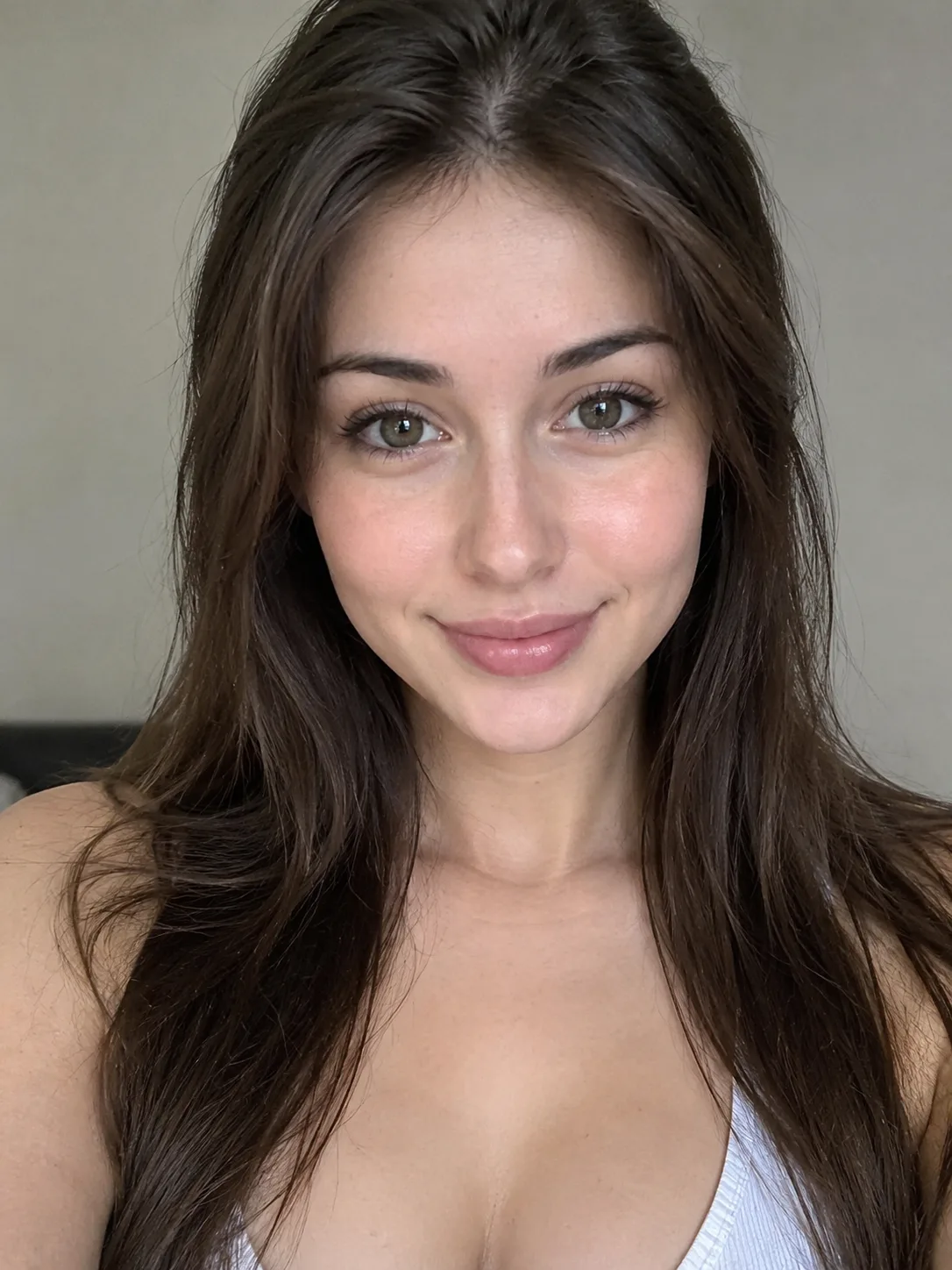 Face the camera
 Even light
 Head and shoulders in frame
Avoid
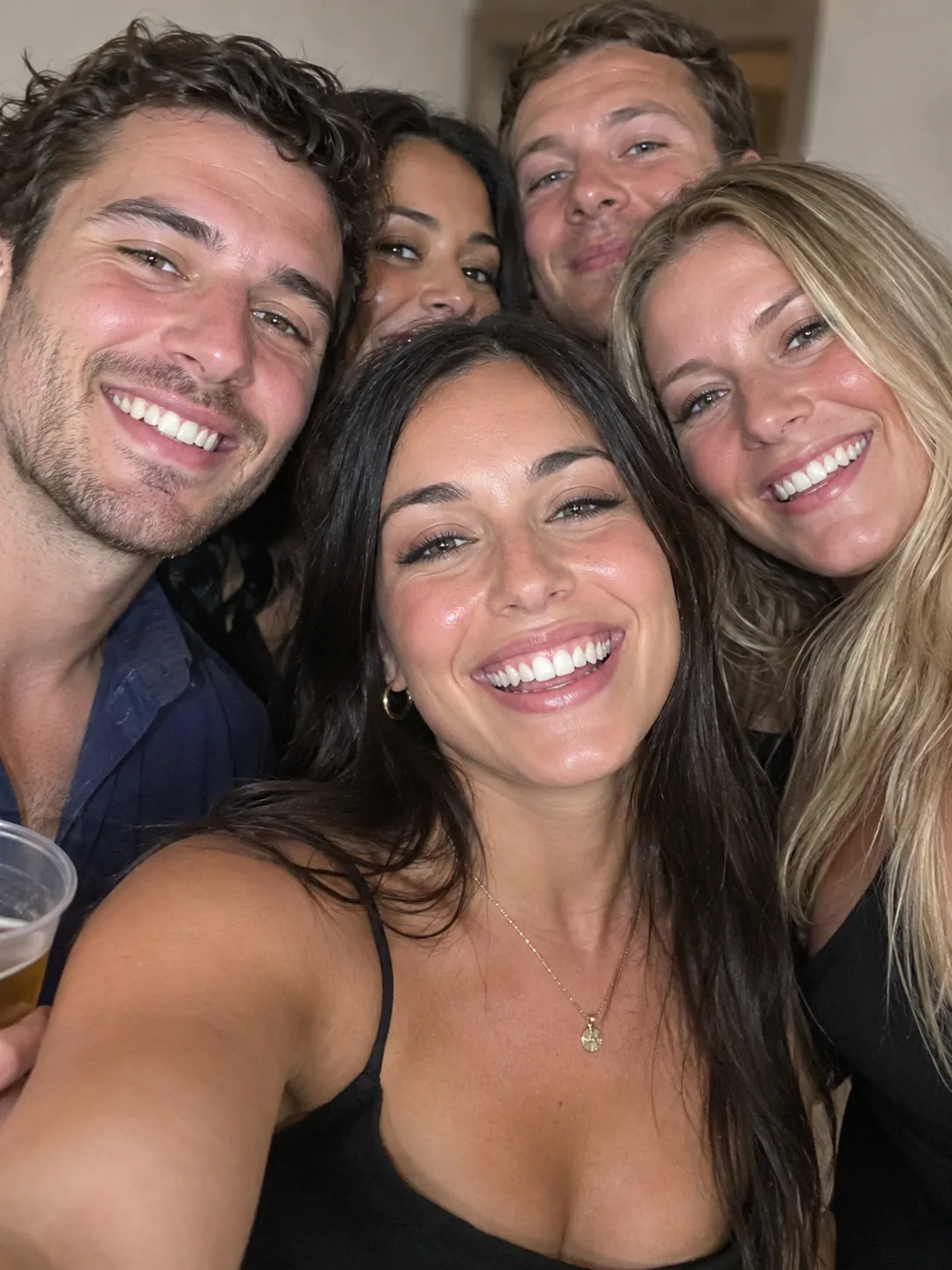 Group photos
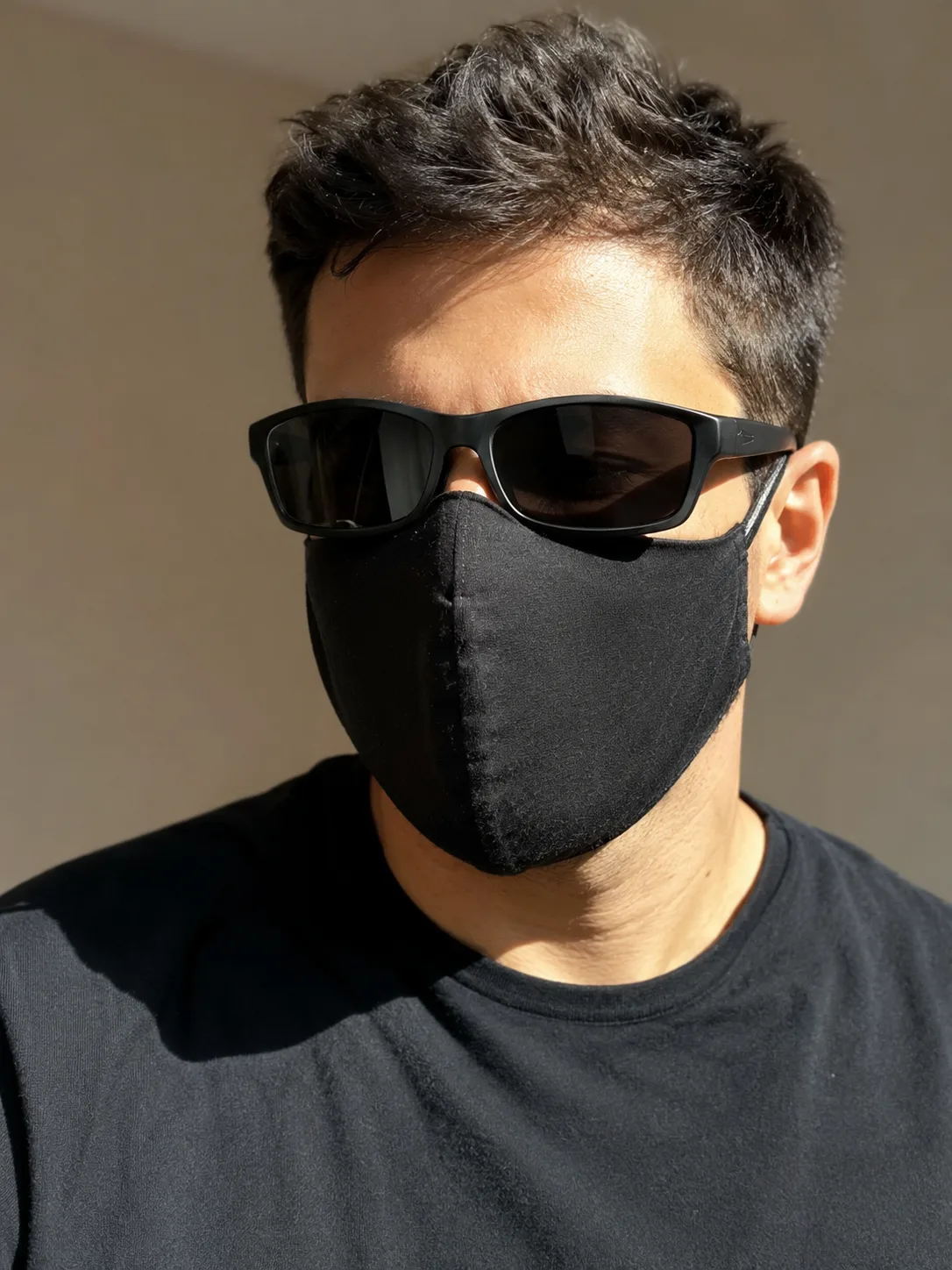 Sunglasses or masks
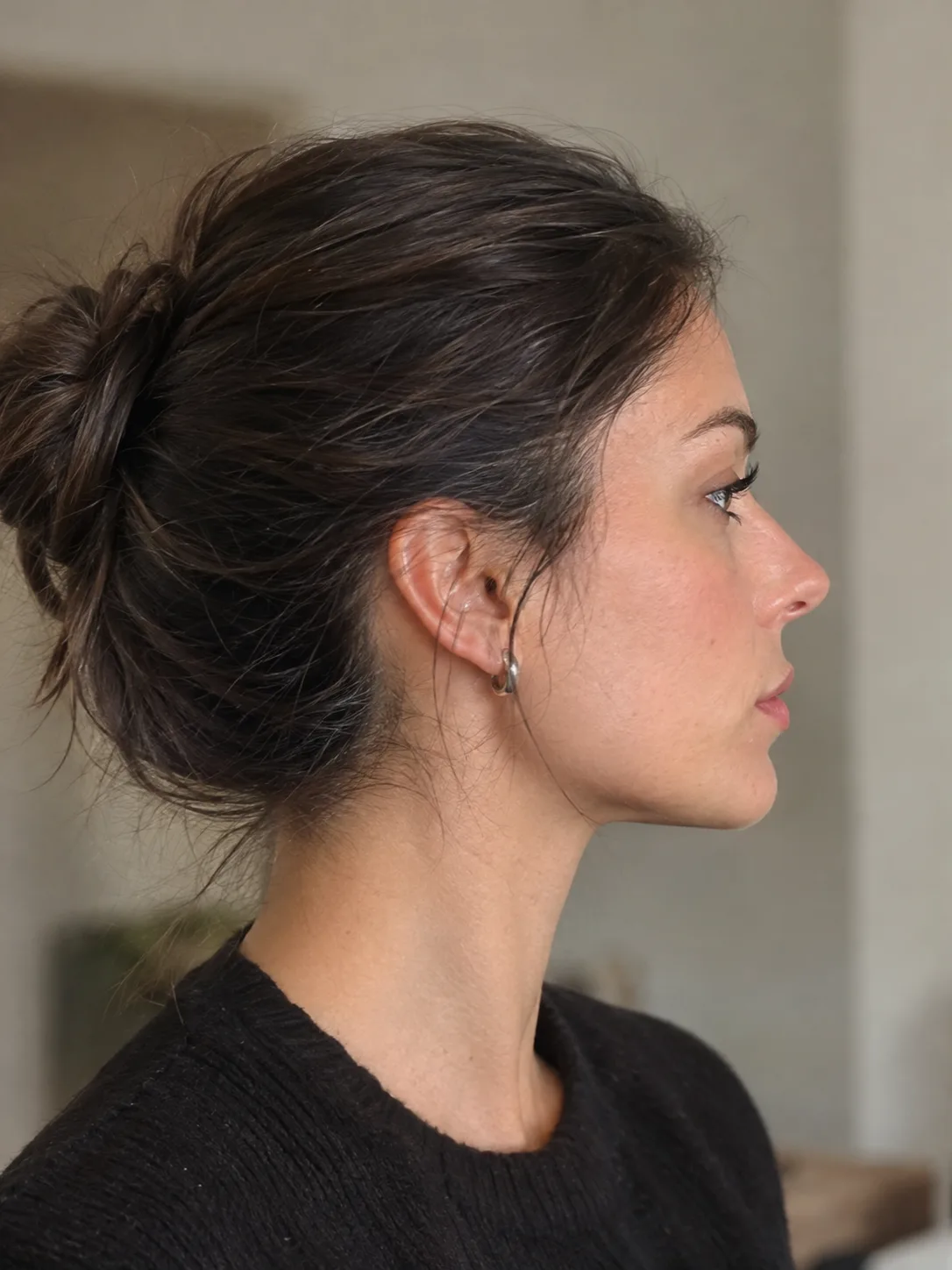 Side profile
Fixing a Dame Hombro AI video that looks off
The face doesn't look like you
Use a photo where your whole face is visible and turned to the camera. Sunglasses, masks, hats pulled low and side profiles leave the AI guessing.
The wrong person is dancing
Group photos confuse it. Crop down to one person before you add the photo, or pick a photo where you are alone.
The result looks blurry or dark
Dim, grainy or heavily filtered photos give soft results. Try a sharp photo taken in daylight or even indoor light.
The video failed
Try again with a clearer, front-facing photo. If it still won't work, check the photo rules in the generator.
Making a Dame Hombro AI video: questions
There's no free version of the Dame Hombro clip here. Each video uses 600 credits from a one-time pack, with no monthly plan, and a video that fails gives its credits back.
No. The clip is already loaded, so one clear, front-facing photo is all the generator needs.
Yes. In our test a golden retriever stood up on its hind legs and did the whole dance with its front paws. We haven't tested cats yet.
A 10-second vertical 9:16 MP4 that fills the screen on TikTok, Reels and Shorts.
Yes. It runs in your phone's browser, so there's no app to install. When the video is ready, download it from My videos.
Because the apps don't all start from the same clip. Some one-photo templates use the Bulin 47 freestyle face-off at the door or a solo dancer, and prompt tools make up a new routine each time. Here it is always the three-dancer clip, with you in the middle.
Both spellings show up. The song by Bulin 47 and Kevin Wai is titled "Dame Hombro", and "Dame Ombro" is how many people type it.
No. This is a fan-made tool and is not affiliated with Bulin 47, Kevin Wai or TikTok.
You, or an adult who agreed to be in it. No public figures and no children.
More Bulin 47 guides
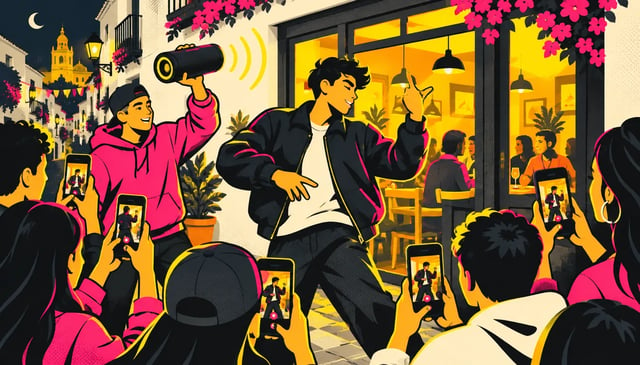
Bulin 47 Video: the viral freestyle, explained
The Bulin 47 video, often called the Bulin 47 freestyle, is a street freestyle by Dominican dembow artist Bulin 47, filmed outside a restaurant in Spain and posted on October 2, 2026. Kevin Wai walked up with a speaker playing a dembow beat, Bulin answered with an improvised freestyle, and within five days the video had passed 50 million views. Then came the AI versions.
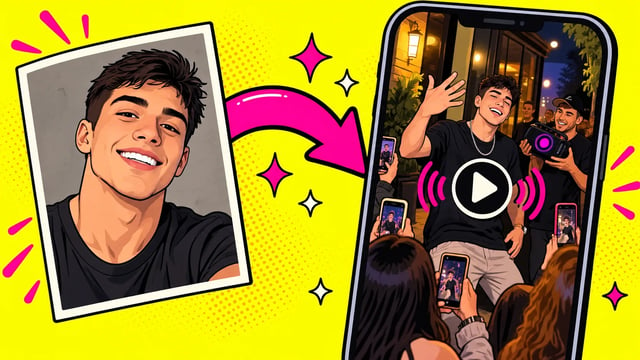
How to make a Bulin 47 AI video
There are four common ways to make a Bulin 47 AI video: use the AI tools in a video editor, write a prompt, edit a copy of the clip in a video-to-video app, or put yourself in the ready-made clip. Want the same crowd and moves, with you as the freestyler? Just add one photo here.
Dame Hombro AI Dance Generator
Dame Hombro AI puts you in the middle of the viral Dame Hombro shoulder dance. Add one photo and you dance between the two other dancers, with the same shoulder pops, hand moves and camera, in front of the same grey shutter. You get a 10-second vertical clip ready for TikTok or Reels.